Supercharge worksite productivity with Sitemetric AI.
Learn more
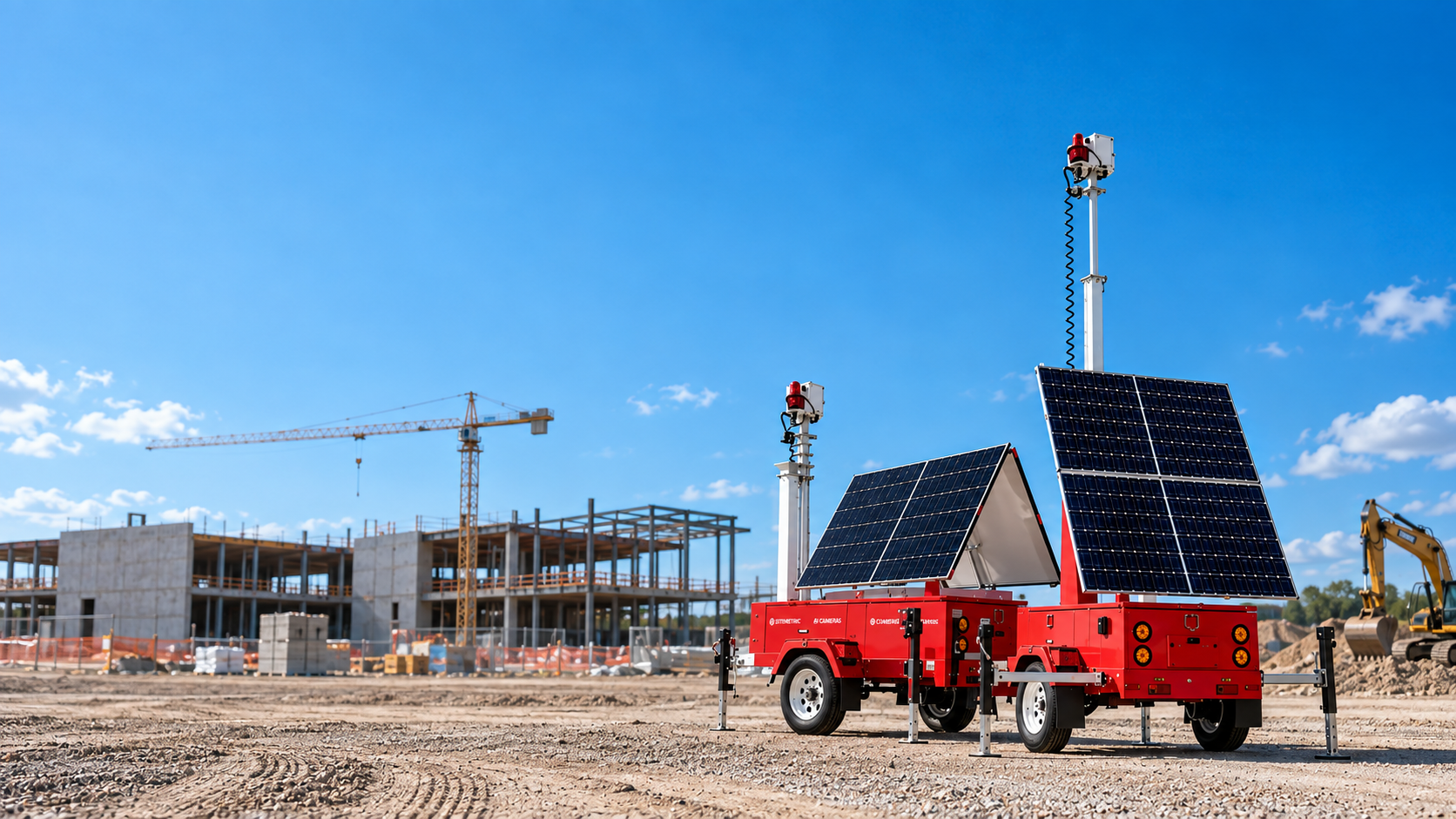
Construction site cameras, sometimes called jobsite security cameras, are weather-rated cameras deployed on active jobsites to provide visual coverage of the perimeter, entry points, and work areas. Models built with onboard computer vision are increasingly marketed as AI cameras for construction. Construction site cameras differ from conventional security cameras mainly in how they are powered and connected, since most jobsites have no permanent electricity or network for much of the project.
A camera on a finished building has power from wall outlets and a network. A camera on a jobsite usually has neither, and will not get them for months. That difference typically drives most buying decisions.
Three other conditions separate construction deployments from conventional deployments. The jobsite changes continuously, so a position with a clear view in month two could mean looking at a wall in month six. The environment is hostile, with dust, vibration, temperature swings, and weather that indoor-rated equipment is unlikely to survive. And the site is unattended for long stretches, which is when most of what a camera is there to catch actually happens.
Camera type is a function of what the position needs to see rather than a general quality ranking.
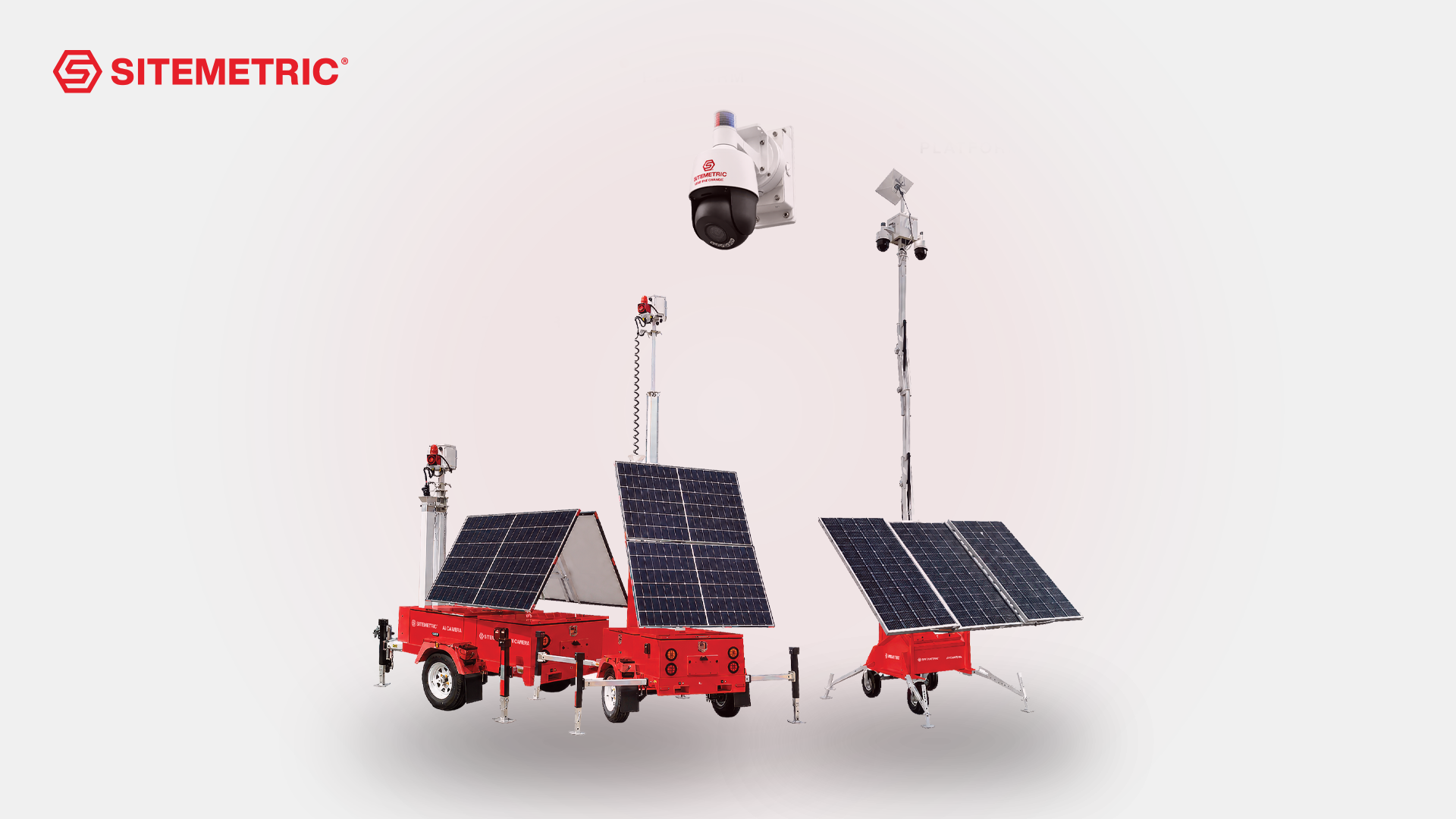
The mounting platform determines what the camera needs from the jobsite, and this is where most construction deployments succeed or fail.
A jobsite typically ends up with a mix. Mobile platforms carry the early phases and follow the work, and fixed positions are added as power reaches the structure.
Resolution determines how good the footage looks. Detection determines whether anyone sees it in time to matter.
Motion detection triggers on change in frame. On an active jobsite that could mean wind, weather, wildlife, vehicles on an adjacent road, and every legitimate worker. Motion detection on construction projects produces so many events that the practical result is nobody reading any or most of them.
Classification identifies what the movement is. A person entering a restricted zone, a vehicle arriving after hours, a worker without a hard hat. Classification is what makes an alert worth routing to a human, and it is the foundation of construction site monitoring as a system rather than a set of cameras.
The question to ask is not whether a camera has detection, but what information it can tell you about each detection, and when it provides that information.
Two products are commonly quoted using similar language.
Recording captures footage for later review. It can provide evidence after someone discovers a problem. It is useful for insurance claims, incident investigation, and dispute resolution.
Monitoring puts an operator behind the camera in real time. It produces a response while the incident is happening.
A project buying cameras to prevent losses needs the second. A project buying cameras to document what happened needs the first. Being clear about which changes the specification, and the remote video monitoring guide covers the service side in detail.
These are general tips for camera deployments on active jobsites. For advice specific to your project, contact Sitemetric and we can provide a free camera deployment consultation.
Sitemetric deploys AI cameras as a full-service system rather than as hardware, with the platform, connectivity, monitoring, and maintenance handled together. Alerts route to JSOC (Joint Security & Operations Center), Sitemetric's 24/7 U.S.-based monitoring center.
Weather-rated cameras on platforms that supply their own power and connectivity, since most jobsites have neither power nor connectivity for much of the project. Beyond that, camera type follows their position on the jobsite: PTZ for wide areas, fixed bullet for gates and fixed views, fisheye for full-field coverage from one mount, and thermal where visible light is not enough.
Mobile solar carts and towable solar trailers run on solar with battery and generator backup and connect over satellite with cellular failover, so they can operate independently of site infrastructure. On most projects, no power and no connectivity are the normal starting conditions rather than an exception.
Factors include the perimeter length, the number of entry points, and where material and equipment are stored, rather than the square footage of the build. Start with entry points and the laydown yard, then add coverage where sightlines are poor. Plan for positions to move as the structure rises. The Sitemetric Site Planner maps your site and builds a deployment plan showing estimated coverage before anything is installed.
Cameras are the hardware. Remote video monitoring is the service component, with operators watching and acting on what the cameras see. A camera that only records produces evidence after a problem is found. A monitored camera produces a response while it is happening. The remote video monitoring guide covers the service side in detail.
Some cameras can identify whether a worker in frame appears to be missing a hard hat, vest, or eye protection. Sitemetric cameras verify PPE per worker and flag exceptions for review.
Retention length varies by provider and configuration, so confirm it rather than assuming. It matters more than most buyers expect, because retention determines whether footage still exists when an insurance claim or dispute surfaces months after the incident. Ask how quickly a specific clip can be retrieved and who is permitted to request it.
The National Defense Authorization Act restricts certain foreign-manufactured video surveillance equipment on federal projects and for federal contractors, and many private owners have adopted the same requirement. Sitemetric AI Cameras are NDAA compliant. Specifying it at purchase is considerably easier than replacing equipment later.
It has to. A position with a clear view during excavation is looking at structure by the time the building is framed. Mobile solar carts and towable trailers relocate as the work moves, with no trenching, conduit, or permanent mounting, so a new position does not mean a new installation.
Talk with our team about your jobsite needs and learn how Sitemetric can help your project succeed.

