Supercharge worksite productivity with Sitemetric AI.
Learn more
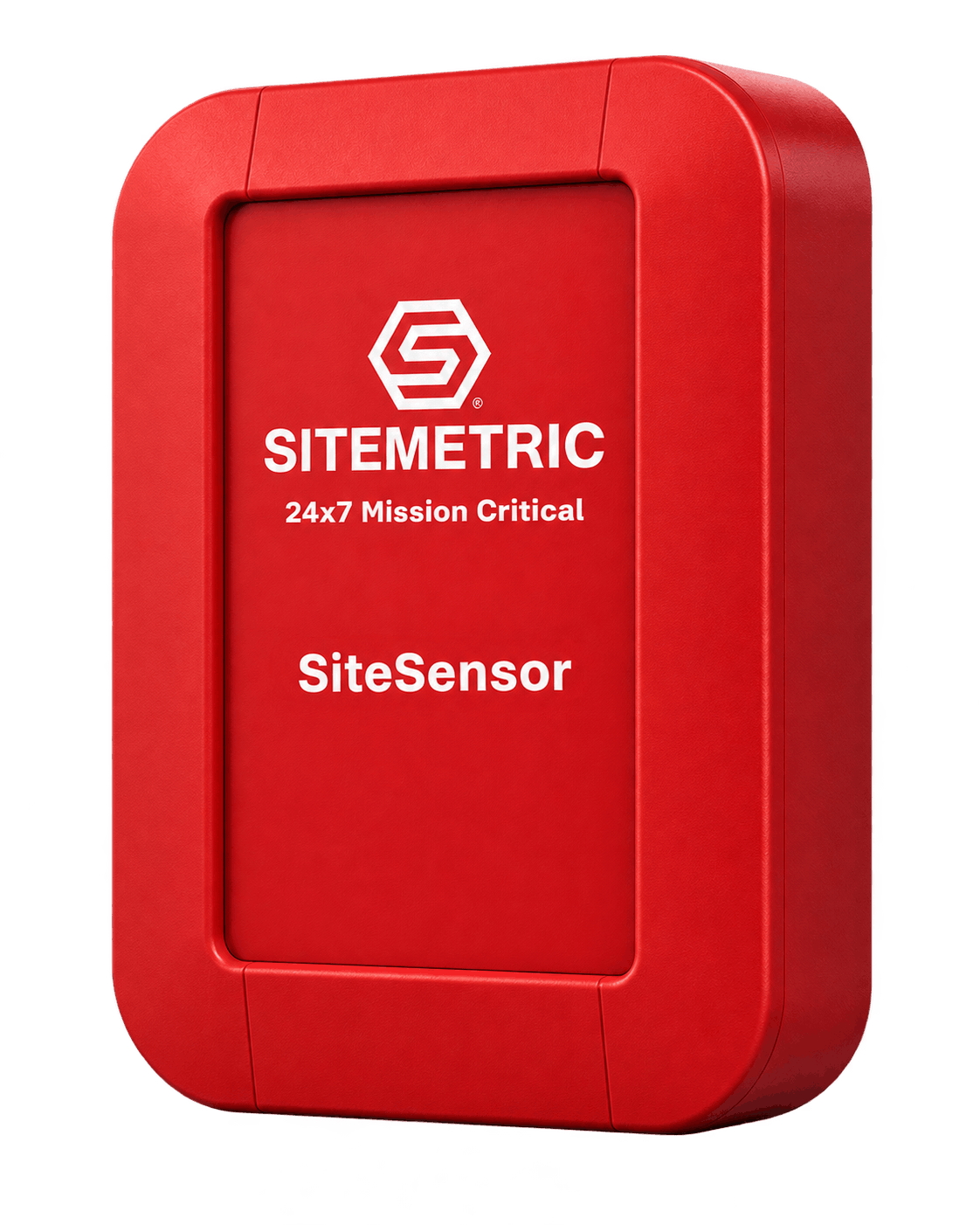
Place SiteSensors around your jobsite or campus to detect badged workers entering and leaving each zone, so headcount and hours by zone record automatically in the Sitemetric platform.
Sitemetric is trusted by 90% of the top 20 ENR companies
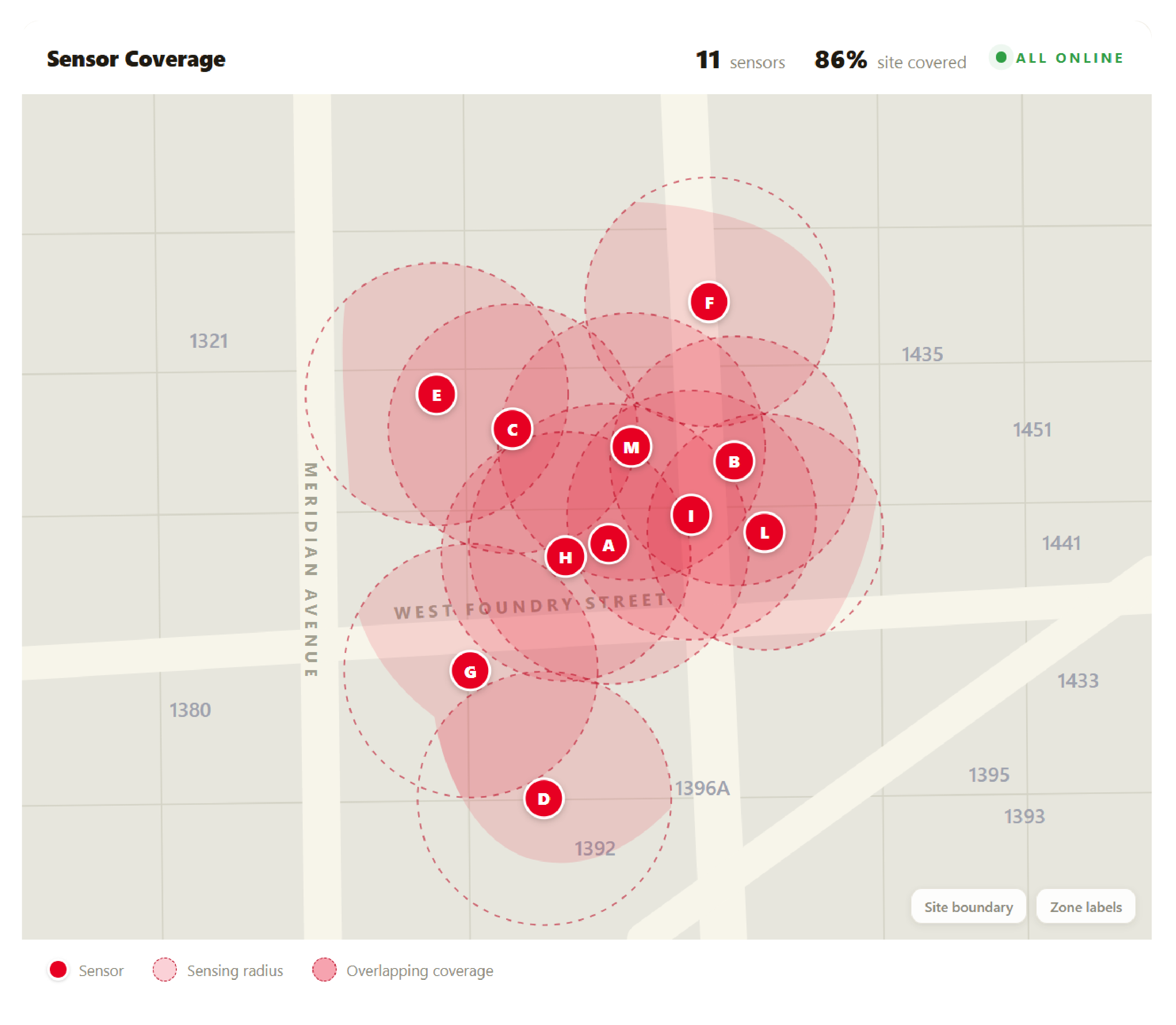
Sensors placed across the campus turn badge detections into headcount and hours by zone, without workers stopping to scan.
Sensors detect badged workers as they enter and leave a zone.
Time in each zone records automatically from badge detections.
Set up site zone alerting for restricted or hazardous areas.
In an emergency or evacuation, see who is in each zone so roll call starts from an accurate headcount.
SiteSensors detect the Sitemetric badge your crews already wear.
Each sensor covers a zone, and badge detections feed the same site record as your gate.
Sitemetric places sensors at the gates, areas and rooms you want to measure.
Sensors detect Sitemetric badges as workers enter and leave each zone.
Detections feed zone headcount, hours and traffic reports in Sitemetric.
Turnstiles and scanners need a tap or scan. SiteSensors detect badges automatically, with no action from workers. Each sensor's range is adjustable, so coverage fits each zone.
Record entries and exits at gates without a turnstile.
See who comes through secondary and delivery entrances.
Know how many workers are in yards and storage areas.
Cover offices, break areas and trailers on the campus.
Measure headcount in each building on the campus.
Track headcount and hours in rooms and floors inside the building.
See who has reached the muster point during an emergency or evacuation.
Set energized areas and other off-limits zones as restricted, and get an alert when a worker is detected there.
SiteSensors work with the badges, access control and reports your team already uses.
See headcount by zone and trade in the Sitemetric app, with zone headcount and hours reports.
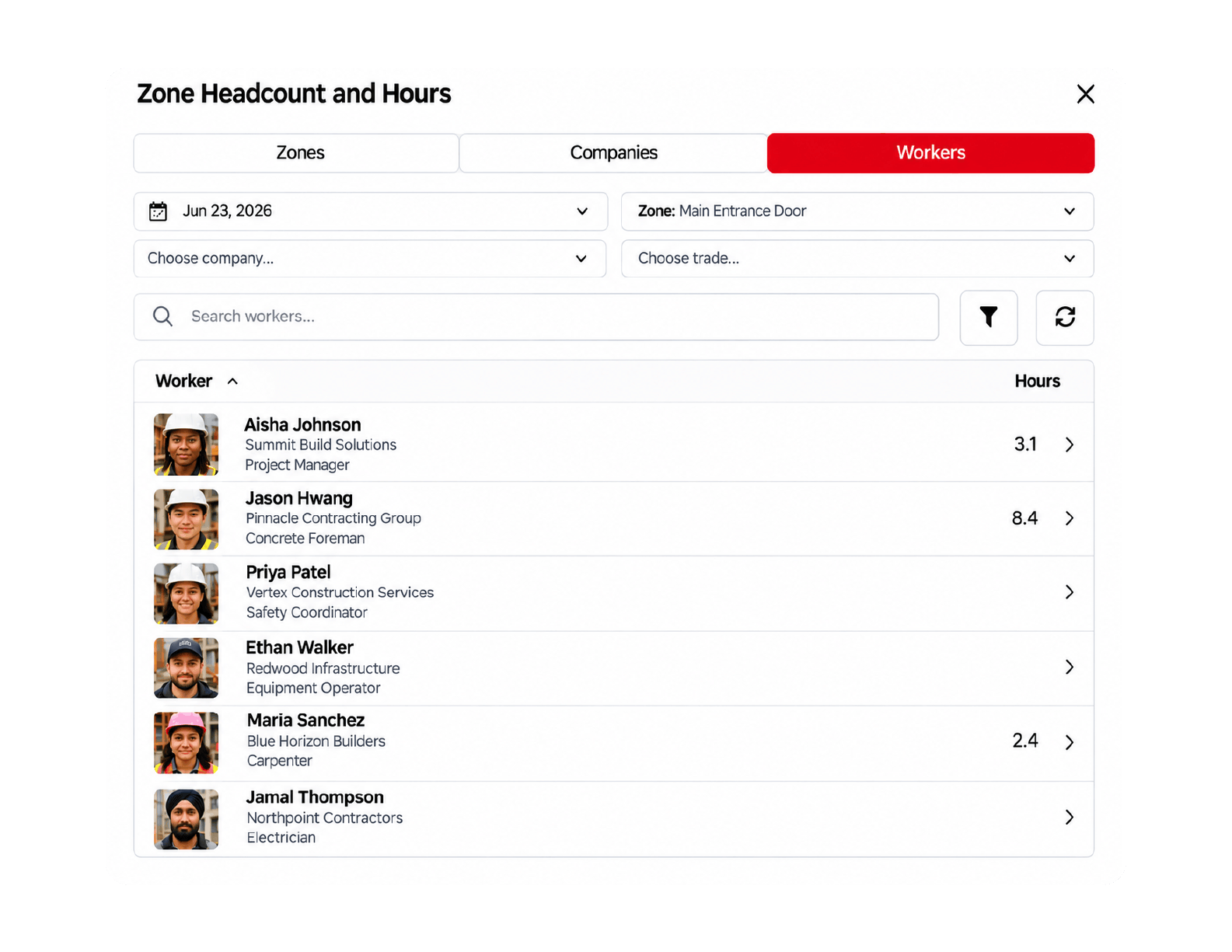
The same Sitemetric badge that opens turnstiles is detected by SiteSensors in each zone.
Turnstiles record site entries, and sensors add headcount by zone.
Verify badges at roving checkpoints with the Sitemetric Hand Scanner.
Deployed, monitored and managed by Sitemetric.
| Detection and power | Value |
|---|---|
| Detection range | Varies by customer and site |
| Detects | Sitemetric badges |
| Power | Battery, standard AC plug-in or solar |
| Connectivity | Provided by Sitemetric |
| Build | Value |
|---|---|
| Rating | IP68, water and weather proof |
| Dimensions | 3.5 × 5.1 × 1.6 in |
| Compliance | NDAA compliant |
Answers to common questions about placement, detection and power.
Around the jobsite or campus, at gates, delivery entrances, laydown yards, trailer cities, building entrances and interior rooms.
They detect Sitemetric badges as workers enter and leave a zone, which powers headcount and hours by zone.
Yes. Each zone keeps a headcount from badge detections, so during an emergency or evacuation you can see who is in each zone and start roll call from an accurate list.
No. Time in each zone records automatically from badge detections.
SiteSensors run on battery, a standard AC plug-in or solar.
Sitemetric deploys, monitors and manages the sensors.
Talk with our team about SiteSensors for your project.